
Call Us Today! 1 888-515-8262 (Toll Free)
Free Calendar & Scheduling Builder
Book More Appointments and Save Time With Automated Scheduling
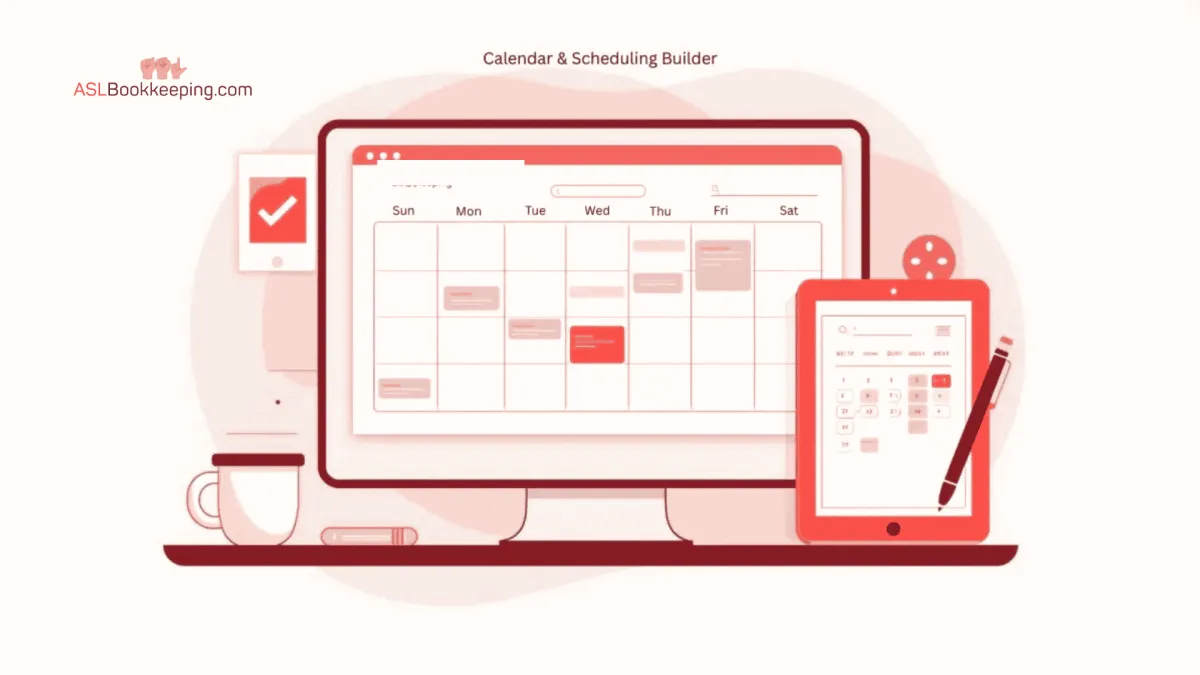
CALENDAR & SCHEDULING BUILDER
Scheduling shouldn’t take emails, phone calls, and follow-ups just to lock in a time. Yet that’s how many professionals still manage consultations, calls, and meetings — losing time and momentum in the process. The Calendar & Scheduling Builder included with your ASLBookkeeping.com toolkit allows people to book time with you directly from your website, emails, or text messages. Available time slots, confirmations, reminders, and follow-ups are handled automatically so your calendar stays organized without manual work. Whether you offer consultations, intake calls, or paid sessions, scheduling becomes simple, consistent, and reliable.
Why It Matters
Eliminate Back-and-Forth Scheduling
Instead of emails like “What time works for you?”, visitors choose from your real availability. Appointments are booked instantly, even outside business hours.
Present a Professional Booking Experience
Every booking page is branded with your logo, colors, and messaging. Clients see a clean, organized system that builds confidence before the meeting even starts.
Reduce Missed Appointments
Automatic email and text reminders help ensure people show up. Fewer no-shows mean less wasted time and a more predictable schedule.
Everything Stays Connected
Booked appointments appear instantly in your Multi-Source Inbox alongside messages, forms, and notes. You see the full context of every conversation in one place.
No Extra Monthly Fees
Many scheduling tools charge monthly just for basic booking links. This builder is included and unlimited — no caps, no add-ons, no surprise upgrades.
How It Works
1. Quick Setup
Connect your Google or Outlook calendar in minutes.
Set your availability, appointment lengths, buffer times, and time zones once — the system handles the rest.
2. Custom Booking Links
Create booking links for different types of meetings, such as consultations, follow-ups, or paid sessions.
Share links on your website, in emails, or by text.
3. Automatic Confirmations and Reminders
Every booking triggers instant confirmation messages.
You can also send reminder messages before the meeting and follow-up messages afterward.
4. Optional Payments at Booking
For paid calls or deposits, add payment fields directly to the booking page.
Payments are collected at the time of scheduling and recorded automatically.
5. Team and Round-Robin Scheduling
If more than one person handles appointments, bookings can be routed to available team members or rotated automatically to balance workloads.
Example in Real Life
Someone offers a free introductory call.
They place a booking link on their website and in their email signature.
A visitor clicks the link, selects a time, receives confirmation, and gets a reminder before the call.
No emails. No missed calls. No double-booking.
When the meeting happens, the appointment details, contact information, and related messages are already organized in one place.
Benefits
Let people book time without email back-and-forth
Reduce no-shows with automatic reminders
Accept payments at the time of booking if needed
Prevent double-booking by syncing with your calendar
Keep appointments, contacts, and follow-ups connected
Replace paid scheduling apps with one integrated system
Ready to Simplify Scheduling?
The Calendar & Scheduling Builder is included at no additional cost for clients of ASLBookkeeping.com, giving you a simple, reliable way to manage bookings without relying on separate scheduling software.
Learn more at ASLBookkeeping.com or contact us to see how easy it is to set up your first booking page and start managing your calendar with confidence.
Free Tools To Grow Your Interpreting Practice
Free Marketing Toolkit
Multi-Source Inbox
Forms and Survey Builder
Website and Funnel Builder
Blog Builder
Calendar & Scheduling Builder
Social Media Poster & Scheduler
Mass Email Mailer & Scheduler
Smart Chat - Website to SMS
Reputation Management
Contact Information/Database
Sell Course and Video Membership
Prospects to Clients - Pipeline
Visit us on Linkedin:


U.S.-based bookkeeping built for ASL Interpreters. Certified QuickBooks experts keeping your books clean and your tax preparer supported.
Ways to Contact Us:
1 888-515-8262
Mon-Fri 9am-5pm Pacific Standard Time
© Copyright 2020-2025. ASLBookeeping.com
Fully Owned And Operated By
Digital Ad Cast LLC.
All rights reserved